
Mahjong on iPad: Digital Play vs. Physical Tiles
Last updated: Nov 23, 2026
You can play mahjong on iPad through apps like Mahjong Solitaire and online multiplayer platforms, but American mahjong poses a problem: most apps follow Chinese or Solitaire rules, not the National Mah Jongg League format. American mahjong requires the current year's official hand card, specific tile sequences you cannot create or call freely, and the Charleston (pre-game tile pass) — features almost no iPad app fully implements. Digital offers speed and solo play; physical acrylic sets offer the social experience, hand feel, and rule compliance that 75% of American players prefer. For learning strategy or playing casually between friends, iPad apps work; for serious weekly games, a best-selling American set remains the table standard.
Playing mahjong on an iPad offers convenience and accessibility, but American mahjong players often discover digital apps lack the authenticity of the real game. Most iPad apps follow Chinese or Solitaire variants, not the structured American format that relies on the League card and tile-calling rules. We've hosted enough iPad-versus-table debates in our weekly games to help you decide which belongs in your home.
Why Most Mahjong iPad Apps Don't Play American Mahjong
Standard iPad mahjong apps focus on matching, elimination, and Solitaire formats rather than competitive four-player American mahjong. American mahjong requires one specific rule set: you play only hands listed on that year's National Mah Jongg League card, you can expose only pungs (3 identical tiles), kongs (4), and sequences of 5–6; jokers cannot fill single tiles or pairs; and the Charleston precedes every game. Few—if any—commercial apps recreate this exactly because the League card changes annually and the economic model doesn't support it. Chinese mahjong apps offer melds and sequences you cannot make in American play. Solitaire apps strip the social and competitive layers entirely. When you download an iPad app labeled "mahjong," you're almost always getting a variant, not American rules.
Which iPad Apps Play Closest to American Rules?
A handful of platforms attempt American mahjong online, but none replicate the full League-card experience flawlessly. Some require you to input the current year's card manually; others simplify scoring or skip the Charleston entirely. The most honest apps acknowledge they are simplified versions or focus on Chinese rules with an "American" label that is misleading. We recommend checking app reviews before downloading: search for users mentioning "League card," "current year hands," and "Charleston." If those terms don't appear, the app is not true American mahjong. Playing on iPad works best for learning patterns and speed practice, not for official or serious club play.
The Real Difference: Digital vs. Acrylic Tile Feel and Social Play
Holding acrylic tiles, hearing them shuffle, and feeling the weight of a pung in your hand—these tactile elements define mahjong for most American players. When you draw a tile, the sound and snap of setting it on a rack signal to other players that the game moves. Digital tiles remove that rhythm. Most importantly, iPad play isolates players: everyone stares at their own screen rather than reading table dynamics, spotting hesitation, or building the camaraderie of a live game. We've found that newer players learn faster on acrylic sets because the physical barrier between hand and table teaches discipline and focus. Once you're comfortable, digital practice drills strategy, but it never replaces table play for serious development.
Mode | Best For | Rule Accuracy | Social Feel | Time Investment |
iPad app (Chinese variant) | Solo learning, casual play | 40–60% American match | None | 10–30 min per session |
iPad app (American-labeled) | Practicing patterns, hand recognition | 70–85% American match | Minimal (text chat only) | 15–45 min per session |
Physical acrylic set | Serious weekly games, tournaments, clubs | 100% American match | High (live table interaction) | 60–120 min per game |
Online American platform | Remote play with friends, some clubs | 85–95% American match | Moderate (video + tile calls) | 45–90 min per game |

Should You Buy an iPad App or an Acrylic Set?
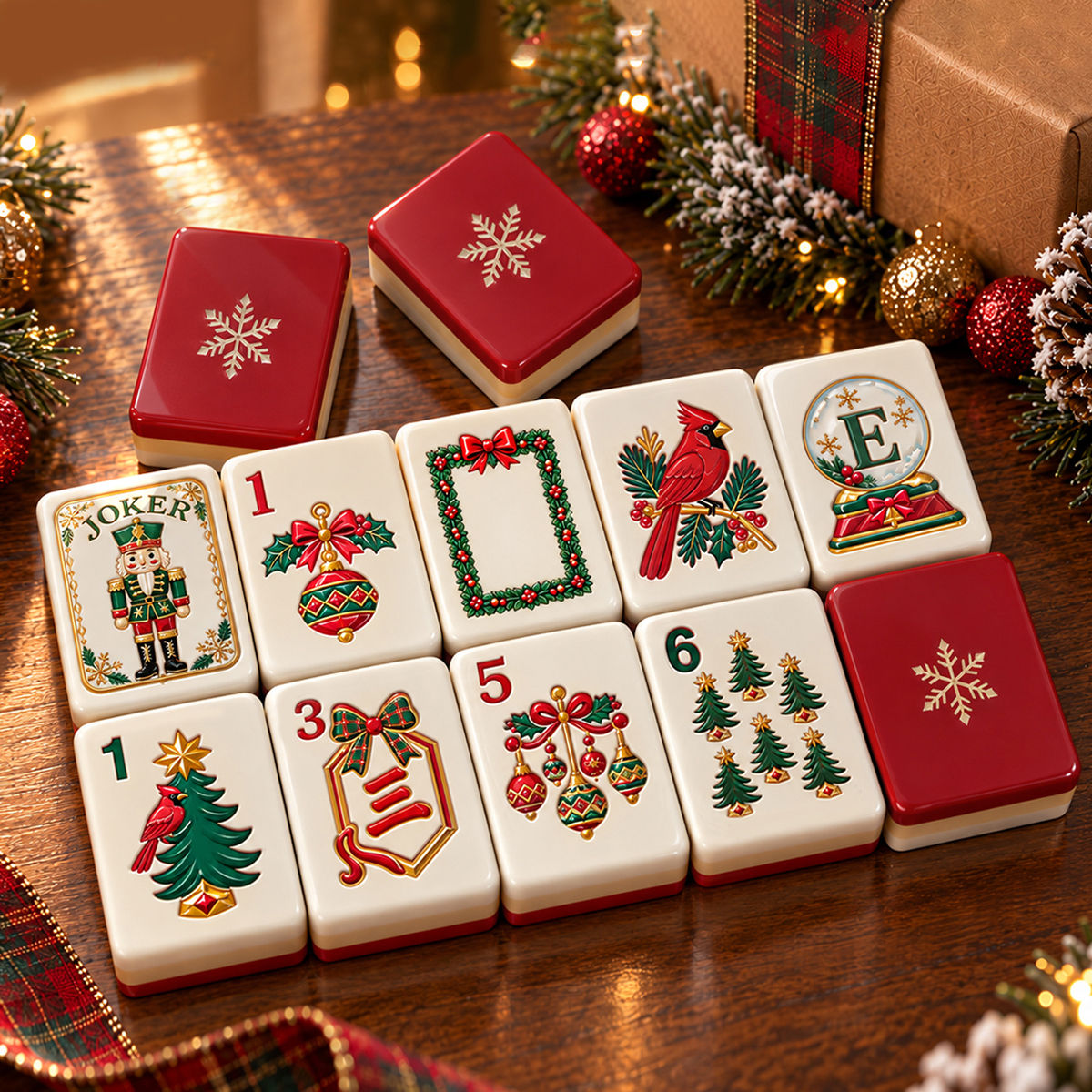
Start with an acrylic set if you plan to join a weekly game or learn the real rules. An iPad app is a supplement, not a replacement. If you're solo and curious about the game, an app saves money and requires no group commitment. But if you're serious about American mahjong—joining a club, hosting friends, or playing weekly—you need physical tiles. Acrylic sets are more durable than bamboo, easier to shuffle at speed, and last decades with care. Best-selling sets come engraved with hand numbers and tile faces clear enough to read across a table, a detail no iPad app can match. The upfront cost of a quality set pays back in years of play.
🀄 Shop best-selling mahjong sets →
How to Use an iPad App Without Abandoning Real Mahjong
If you own acrylic tiles and want to add digital practice, use iPad apps for specific goals: drilling tile sequences, learning the card faster, or playing speed rounds against AI between live sessions. Set a limit—say, 15 minutes daily—to avoid the trap of replacing table play with solo screens. Some players photograph the current League card and use it as a reference overlay on iPad games to bridge the gap. Others use apps only when traveling or during off-season months. The key is treating the app as a tool that sharpens your eye, not a standalone game. Real mastery comes from learning the official American rules, calling hands live, and managing the physical flow of tiles.
One practical angle: buy a quality mat and racks with pushers so your acrylic set is ready to play anytime. A mat organizes the game space, and racks let you focus on strategy rather than tile arrangement. When iPad practice makes you faster and sharper, you'll want to test that skill on a real table—and the best venue is your own game night.
🎁 See our most-loved mahjong sets & accessories →
What to Check Before You Buy an iPad App or Commit to Physical Play
Before downloading an app:
Read reviews for mentions of "League card," "American rules," or "Chinese rules"—if it says Chinese, you're not playing American mahjong.
Test the free trial or lite version; do not assume a high price means accuracy.
Check if jokers and blank tiles are handled correctly (jokers cannot fill single tiles or pairs in American play).
Look for settings to toggle rule variants; an app that offers multiple rule sets acknowledges it is not pure American.
Before buying an acrylic set:
Confirm the set includes 152 playing tiles plus spare jokers (sets are sold as 160-tile, meaning 152 in play and 8 spares).
Verify tile faces are printed clearly—engraved or stamped tiles last longer than painted ones.
Check that racks and a mat are available if you need organization aids; they transform a casual game into a structured one.
Plan to store the set in a durable bag or case if you host at different homes or transport it.
✨ Find your Mahstead set — free US shipping →
For learners, we recommend starting with the mahjong beginner guide alongside a physical set. Once you know what tiles exist and how the Charleston works, an iPad app makes more sense as a drill tool, not a replacement.
FAQ
Can you play real American mahjong on iPad?
Most iPad apps do not play true American mahjong because they skip the League card, Charleston, and strict calling rules. A few platforms attempt it, but they simplify scoring or require manual card entry. No iPad app fully replicates official League play.
Is iPad mahjong Solitaire or competitive multiplayer?
Most iPad apps are Solitaire (matching and elimination). Some offer multiplayer online, but they typically follow Chinese rules or generic "mahjong" variants rather than American League format.
Should beginners start on iPad or with physical tiles?
Physical tiles are better for beginners because they teach tile names, the Charleston, and hand discipline. iPad apps work as supplements after you understand the basics from a beginner guide and an acrylic set.
Can iPad apps teach me strategy for American mahjong?
Partially. iPad apps can help you recognize tile patterns and sequences, but they cannot teach calling strategy, table psychology, or the full hand-card reading that real play demands. Physical games teach what apps cannot.
What is the one reason to choose acrylic tiles over an iPad app?
Social play and rule compliance. Acrylic tiles follow League rules exactly, feel authentic, and connect you to a real game night. No app matches the table experience or enforcement of official American mahjong rules.


View More
View More
View More
